01 / FOLEY
Give objects a presence.
Footsteps, fabric, tools and impacts become useful when their movement and timing stay close to the shot.

VIDEO → SOUND / MIRELO SFX 2.0
Turn a short video moment into a usable layer of foley, ambience and motion — inside one focused Museino workflow.

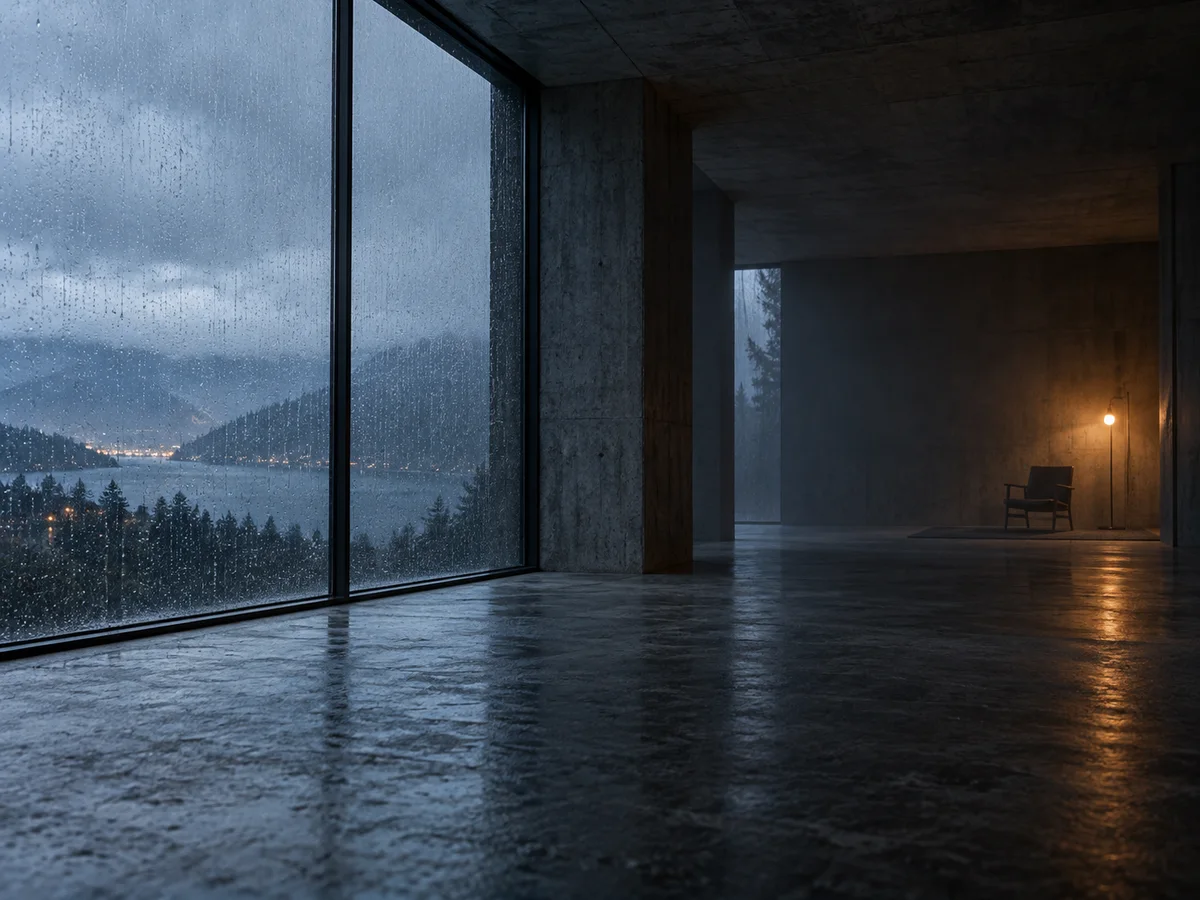
Original visual direction / not an audio output sample.Create a real layer in the workspace →
A soundtrack starts with the picture
Mirelo SFX 2.0 is best understood as a scene-aware starting point: show it the moment, describe the emphasis, and refine the layer around your edit.
Footsteps, fabric, tools and impacts become useful when their movement and timing stay close to the shot.
Weather, distance and room tone keep a generated layer from feeling pasted on.
A practical prompt loop
Keep the visible action, the acoustic space and the exclusions close together. The result is easier to inspect, easier to iterate and easier to match to the edit.
Open the live workspace →Inside Museino
Upload a short clip, see the credit quote before submitting, then follow the queue and private result in one place.
Mirelo SFX 2.0 FAQ
This page focuses on sound effects for video: foley, ambience, movement and scene detail. Treat music as a separate layer unless the model documentation says otherwise.
Yes. Upload a short video, describe the timing and sounds that should follow the action, then verify the result against the edit.
Yes. The live SFX workspace accepts a video upload, sends it to Mirelo SFX 2.0 through Fal, stores the completed audio privately in Museino, and returns it after the queue finishes.
MUSEINO WORKSPACE
Sign in to run tools, keep your credits and save useful results.
Your account keeps credits and task history together.
Checking session...